
 By Callum Liam
A computer is an electronic device that receives data, processes it according to instructions, stores information, and produces meaningful output. It has become an essential part of daily life, supporting education, communication, business operations, entertainment, healthcare, and scientific research.
Modern computers operate with high speed and accuracy, allowing users to perform complex tasks efficiently. From small handheld devices to powerful supercomputers, these machines continue to transform how people interact with information.
What is a Computer
A computer is a programmable machine that performs calculations and logical operations automatically. It works based on instructions provided through software and processes data using hardware components.
A computer performs four main functions:
- Accepts input through devices like keyboard and mouse
- Processes the data using the processor
- Stores information in memory units
- Produces output through monitors or printers
These steps together form the input-process-output cycle, which defines how computers function.
Basic Components of a Computer
A computer system consists of several essential components that work together.
Input Unit
The input unit allows users to enter data into the computer.
Examples include:
- Keyboard
- Mouse
- Scanner
- Microphone
- Webcam
These devices help convert user instructions into digital signals.
Central Processing Unit
The Central Processing Unit is the brain of the computer. It processes instructions and controls all operations.
It includes:
- Arithmetic Logic Unit for calculations
- Control Unit for managing tasks
- Registers for temporary storage
The CPU ensures that all components function in coordination.
Memory Unit
The memory unit stores data and instructions for processing.
Types include:
- Primary memory such as RAM
- Secondary storage such as hard drives and SSDs
Primary memory works faster but stores data temporarily, while secondary memory stores data permanently.
Output Unit
The output unit displays processed information.
Common examples include:
- Monitor
- Printer
- Speakers
- Projector
These devices convert digital signals into understandable results.
Types of Computers
Computers are classified based on size, performance, and purpose.
Supercomputers
Supercomputers are the fastest and most powerful machines available. They are used for:
- Weather forecasting
- Scientific simulations
- Space research
- Nuclear studies
They can process massive volumes of data within seconds.
Mainframe Computers
Mainframe computers handle large-scale processing for organizations.
They are commonly used in:
- Banks
- Airlines
- Government departments
- Insurance companies
These systems support multiple users simultaneously.
Minicomputers
Minicomputers are medium-sized systems designed for business environments and industrial applications. They provide multitasking capabilities with moderate processing power.
Microcomputers
Microcomputers are the most widely used type today.
Examples include:
- Desktop computers
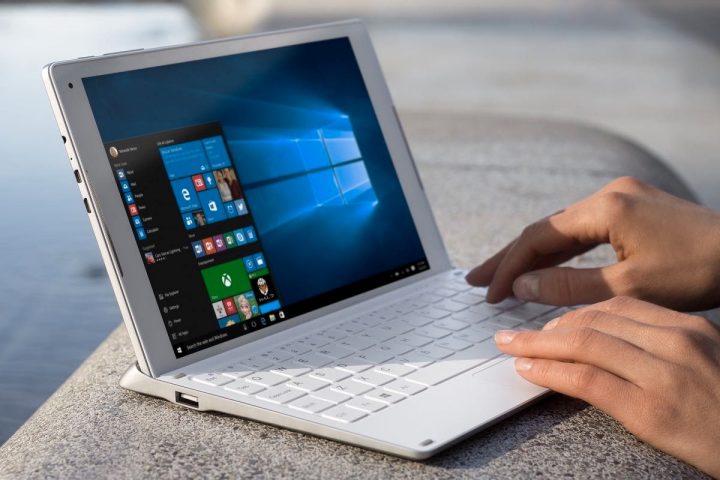
- Laptops
- Tablets
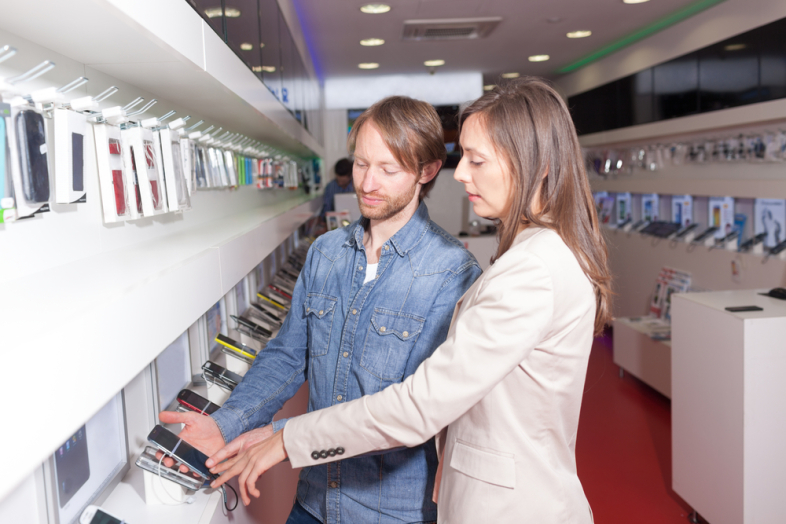
- Smartphones
They are suitable for personal and professional use.
Characteristics of a Computer
Computers have several unique features that make them valuable tools.
Key characteristics include:
- High speed processing capability
- Accurate results when properly programmed
- Large storage capacity
- Automation of repetitive tasks
- Reliability during continuous operations
- Versatility across multiple applications
These characteristics enable computers to support diverse activities efficiently.
Hardware and Software
A computer system operates through the interaction of hardware and software.
Hardware
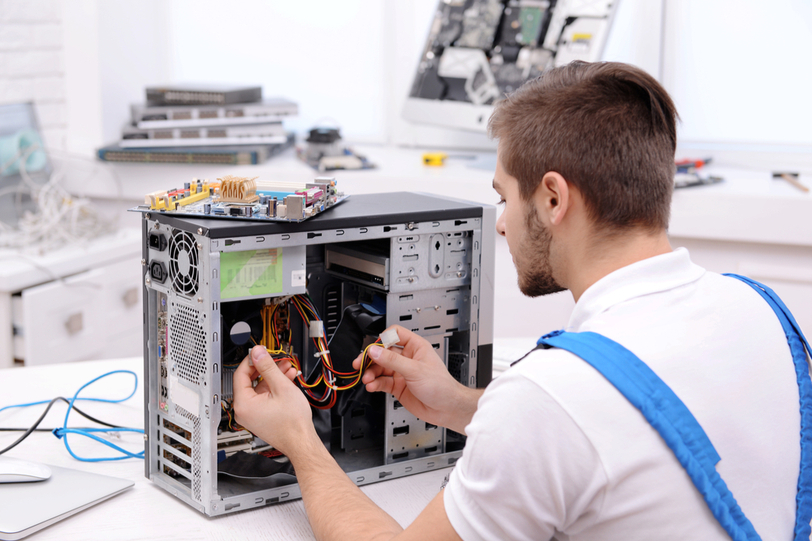
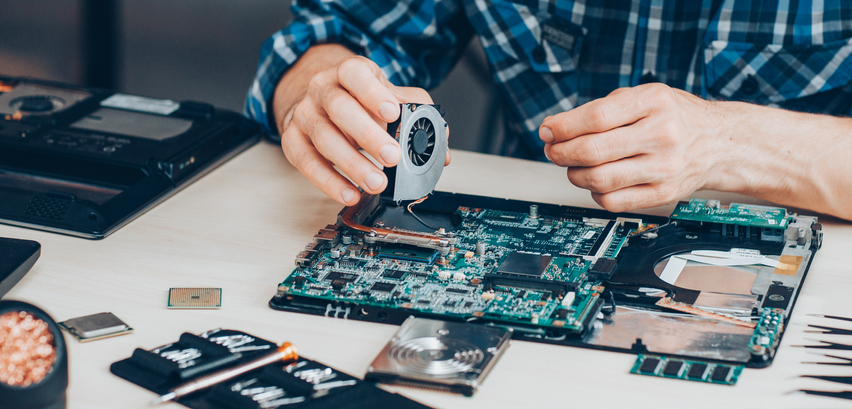
Hardware refers to the physical components of a computer that can be touched.
Examples include:
- CPU
- Monitor
- Keyboard
- Hard drive
- Motherboard
Hardware performs actual operations directed by software.
Software
Software consists of programs and instructions that guide the computer.
Two major categories are:
- System software such as operating systems
- Application software such as word processors and browsers
Without software, hardware cannot function effectively.
Uses of Computers in Daily Life
Computers play a major role in almost every sector.
Education
Computers support:
- Online learning platforms
- Digital classrooms
- Research activities
- Educational presentations
They make learning interactive and accessible.
Business
Businesses rely on computers for:
- Accounting
- Inventory management
- Communication
- Data analysis
They improve productivity and accuracy.
Healthcare
In healthcare, computers assist in:
- Patient record management
- Diagnostic imaging
- Laboratory testing
- Telemedicine services
They enhance medical efficiency and patient care.
Entertainment
Computers provide entertainment through:
- Movies
- Music
- Games
- Streaming services
They offer both relaxation and creativity opportunities.
Communication
Modern communication depends heavily on computers.
They enable:
- Email services
- Video conferencing
- Social networking
- Instant messaging
This improves global connectivity.
Advantages of Computers
Computers provide numerous benefits in personal and professional environments.
Important advantages include:
- Fast processing speed
- High accuracy levels
- Easy data storage
- Automation of tasks
- Multitasking capability
- Access to global information
These advantages make computers indispensable in modern society.
Limitations of Computers
Despite their usefulness, computers also have certain limitations.
Common limitations include:
- Dependence on electricity
- Requirement of user instructions
- Possible security risks
- Maintenance costs
- Lack of independent decision making ability
Proper usage reduces most of these challenges.
Future of Computers
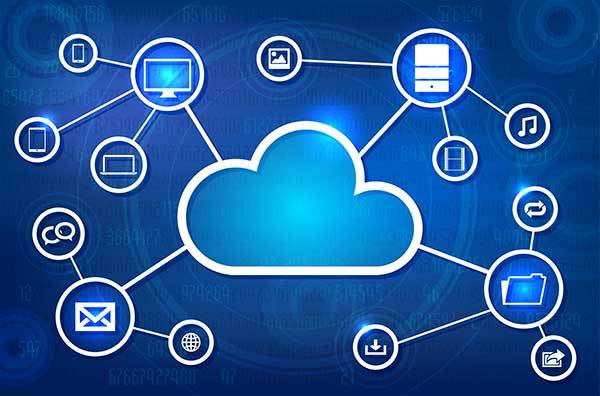
The future of computers is shaped by continuous technological innovation. Advancements such as artificial intelligence, cloud computing, and quantum computing are expanding the capabilities of modern systems.
Future computers are expected to become:
- Faster in processing
- More compact in size
- Energy efficient
- Highly intelligent
- Better integrated with everyday devices
These developments will further strengthen their role in human progress.
FAQ Section
What are the main functions of a computer
The main functions include accepting input, processing data, storing information, and producing output results.
What is the difference between hardware and software
Hardware refers to physical parts of a computer, while software consists of programs that control how the hardware operates.
Why is the CPU called the brain of the computer
The CPU controls all operations and processes instructions, making it the central decision-making component of the system.
What type of computer is commonly used at home
Microcomputers such as desktops and laptops are commonly used for personal tasks at home.
How does computer memory help in processing data
Memory stores instructions and data temporarily or permanently so the processor can access them quickly during operations.
Can a computer work without software
A computer cannot perform meaningful tasks without software because software provides instructions required for operation.
What skills are important for using a computer effectively
Basic typing skills, understanding operating systems, internet usage knowledge, and familiarity with application software help users operate computers efficiently.